
QWIKQUOTE HELP CENTER
Know your next step.
Clear instructions for your everyday work, from the first pin to the next customer.
50 practical guides.
12 narrated walkthroughs.
Captions and transcripts included.
Search all guides, including their instructions and troubleshooting steps.
Find a guide
50 guides
Start here: your first day in QwikQuote
Get from your first login to a property you can follow up.
Read the steps Getting startedFind your way around the app
Know where prospecting, leads, delivery and settings live.
Read the steps Getting startedMeasure now and finish setup later
Understand what is available while your account is still being set up.
Read the steps Getting startedSign in, reset your password and sign out
Recover access without sharing a teammate’s login.
Read the steps Getting startedAdd QwikQuote to your phone’s home screen
Open the app quickly from an icon on your phone.
Read the steps Company setupAdd your logo and company information
Put the right identity and contact information on customer-facing output.
Read the steps Company setupKnow when your settings have actually saved
Understand autosave, Save buttons and retry messages.
Read the steps Company setupSet products, pitch bands and your own prices
Make estimates reflect your business’s products and rates.
Read the steps Company setupAdd a custom product or offer roof cleaning
Use product names and offerings that fit your company.
Read the steps Company setupCustomize product descriptions and photos
Explain what your quote includes in your own words.
Read the steps Properties and mapsFind a house and create a pin
Start a property record from the map.
Read the steps Properties and mapsUse Follow me, map layers and saved areas
Keep the map useful while working a neighborhood.
Read the steps Properties and mapsLook up a property before creating another pin
Check whether your company has already worked an address.
Read the steps Properties and mapsReview or correct a roof measurement
Check the inputs behind an estimate before sharing it.
Read the steps Properties and mapsFind owner details and add a verified contact
Keep public-record information separate from details a person gives you.
Read the steps Properties and mapsFind saved houses and update their outcome
Use your property list for follow-up and record keeping.
Read the steps Properties and mapsSend an address list for import
Have QwikQuote review and process a list of properties.
Read the steps Properties and mapsUse storm reports to plan prospecting
Review nearby hail and wind reports without treating them as proof of roof damage.
Read the steps Mail and quotesReview a property before it mails
Check the address, estimate and piece status in one place.
Read the steps Mail and quotesUnderstand every mail status
Tell preparation, printer handoff and mailing apart.
Read the steps Mail and quotesFix a held mailing and return to the house
Find the missing requirement without losing the property you were reviewing.
Read the steps Mail and quotesRelease houses pinned during setup
Choose which earlier properties should join the mail queue.
Read the steps Mail and quotesChoose who prints and mails your pieces
Set QwikQuote printing or your company’s own printing workflow.
Read the steps Mail and quotesBuild and post your own print run
Download the selected pieces when your company handles printing and postage.
Read the steps Mail and quotesStop a piece before it goes to the printer
Avoid mailing a property you no longer want to contact.
Read the steps QR codes and leadsWhen QR scans count and when they stay quiet
Understand the printer protection window and its limits.
Read the steps QR codes and leadsTest a QR code without confusing your results
Check the page, mailing state and response record together.
Read the steps QR codes and leadsWork QR responses and website leads
Find the properties that responded and decide the next follow-up.
Read the steps QR codes and leadsReceive and follow up appointment requests
Use the details homeowners submit through QwikQuote.
Read the steps Mail and quotesChoose a mailer template and review the result
Pick the piece your company intends to send.
Read the steps Mail and quotesMake a mailer design your own
Start with a built-in design and edit a copy.
Read the steps Mail and quotesEmail a quote and check the sent record
Send an available estimate to the intended recipient.
Read the steps Company setupChange the default quote email wording
Set the subject and message your team starts with.
Read the steps Credits and billingBuy credits and confirm they reached your balance
Review the amount, payment method and purchase status.
Read the steps Credits and billingSet an automatic credit reload
Control when your wallet buys more credits.
Read the steps Credits and billingManage a card or bank account
Keep the payment method for your account up to date.
Read the steps Credits and billingCheck and redeem your signup offer
Understand the promotion attached to your account before purchasing.
Read the steps Credits and billingExplain a charge, held output or a missing credit
Reconcile your balance using the account history.
Read the steps Website widgetInstall the QwikQuote website widget
Put your company’s QwikQuote form on its website.
Read the steps Website widgetOpen the widget from a button, floating tab or both
Connect your existing website call-to-action to QwikQuote.
Read the steps Website widgetChoose what the website widget shows
Set its product, wording, appearance and lead recipients.
Read the steps Website widgetTest a widget lead and troubleshoot installation
Verify the full path from the website to your team.
Read the steps IntegrationsConnect ProLine and choose which events to send
Route selected QwikQuote activity to your ProLine account.
Read the steps IntegrationsConnect GoHighLevel to your pipeline
Send QwikQuote responses to the right sub-account and stage.
Read the steps IntegrationsCheck a CRM delivery without creating duplicates
Understand pending, failed and uncertain deliveries.
Read the steps IntegrationsPause or disconnect a CRM connection
Stop future delivery while preserving records already sent.
Read the steps Team and reportingInvite teammates and choose their role
Give each person their own access and attribution.
Read the steps Team and reportingControl team mailing and deactivate a user
Review who can mail and how their pieces are handled.
Read the steps Team and reportingRead Leaderboard and Statistics accurately
Compare activity and outcomes using the right time window.
Read the steps TroubleshootingGet help with the details support needs
Send a report that can be investigated quickly.
Read the stepsNo matching guides
Try a shorter search, choose All guides, or contact support with the screen and issue.
What to send support →WATCH THE WORKFLOW
A quick tour, at your pace.
Actual app screens. Clearly labeled demo data.
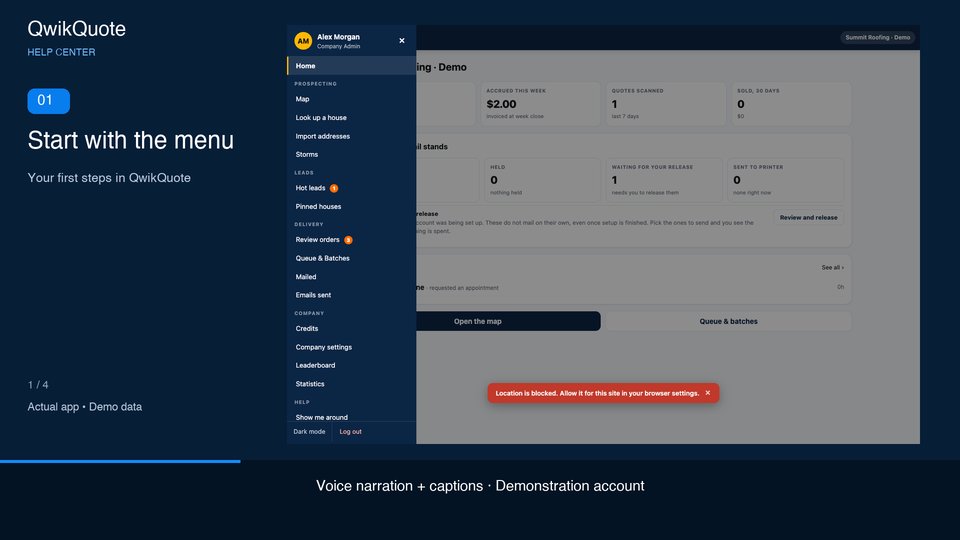 ▶ 0:42
Your first steps in QwikQuote
Voice narration · English captions
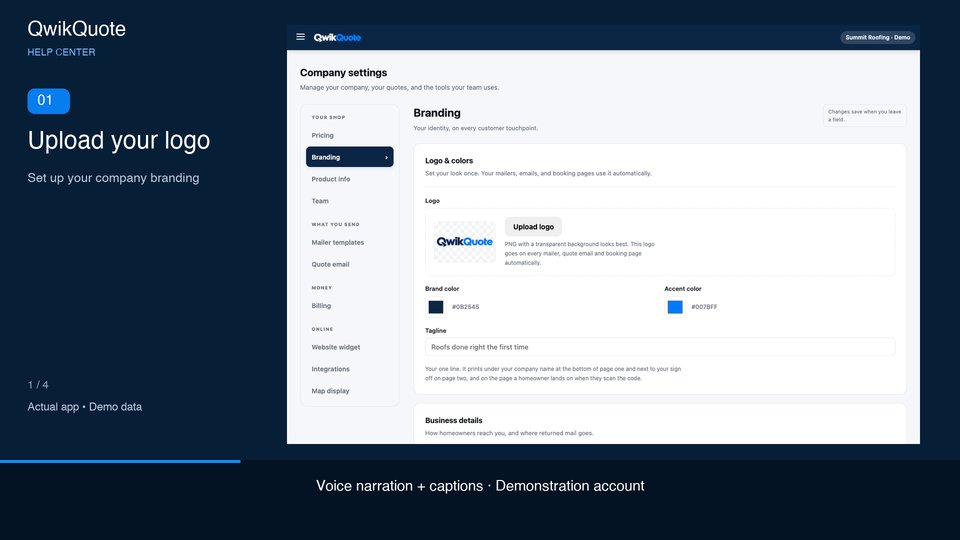 ▶ 0:37
Set up your company branding
Voice narration · English captions
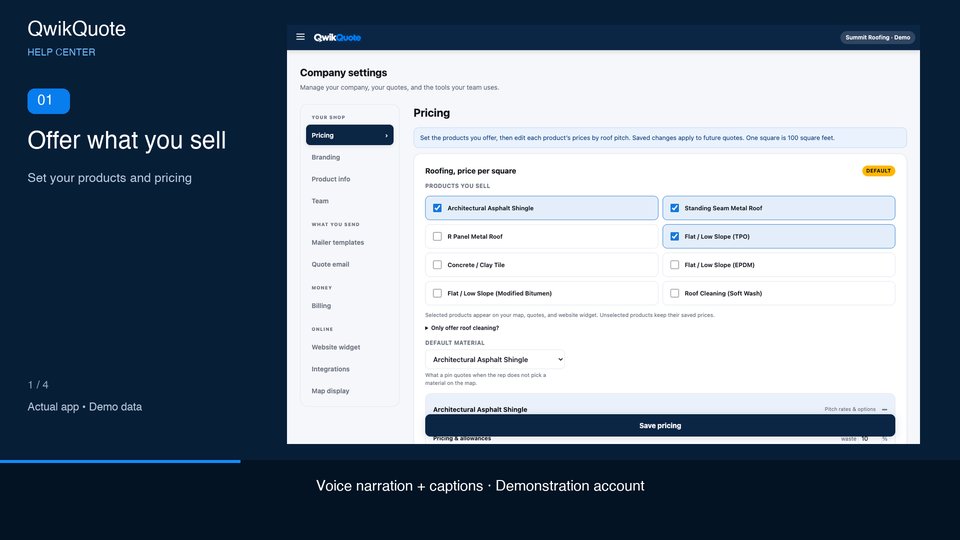 ▶ 0:41
Set your products and pricing
Voice narration · English captions
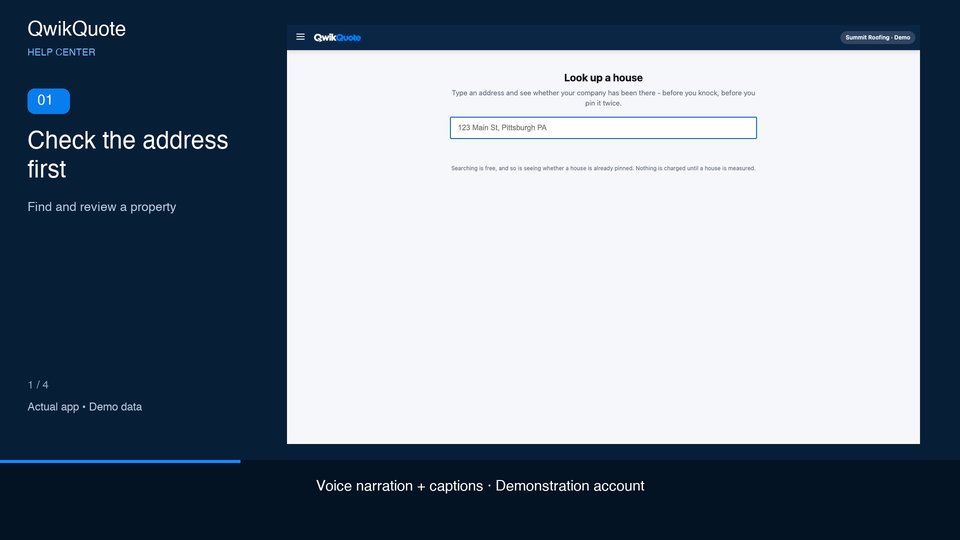 ▶ 0:37
Find and review a property
Voice narration · English captions
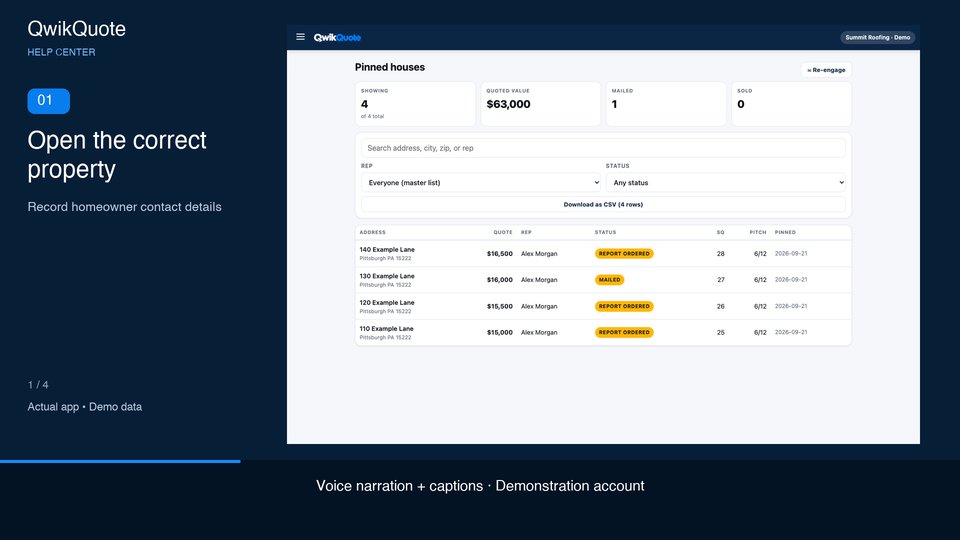 ▶ 0:38
Record homeowner contact details
Voice narration · English captions
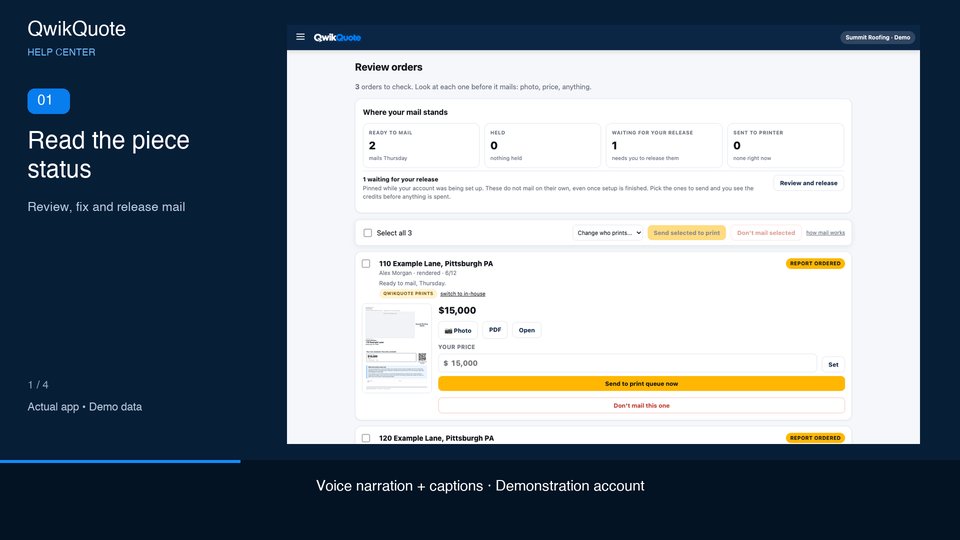 ▶ 0:37
Review, fix and release mail
Voice narration · English captions
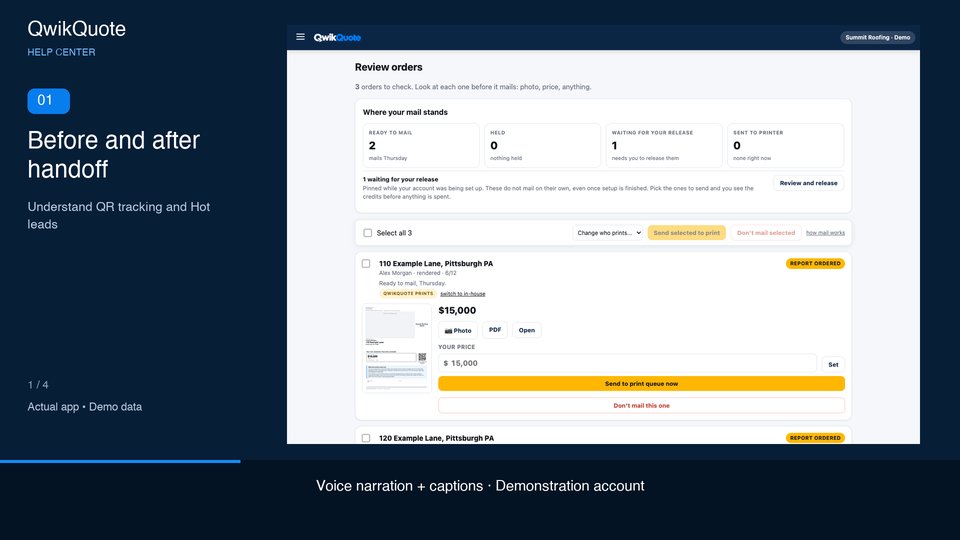 ▶ 0:41
Understand QR tracking and Hot leads
Voice narration · English captions
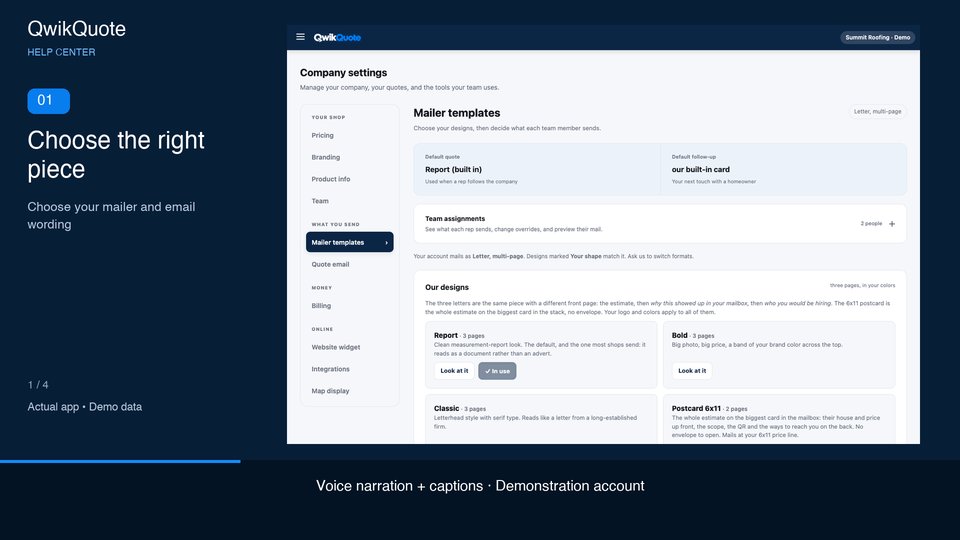 ▶ 0:36
Choose your mailer and email wording
Voice narration · English captions
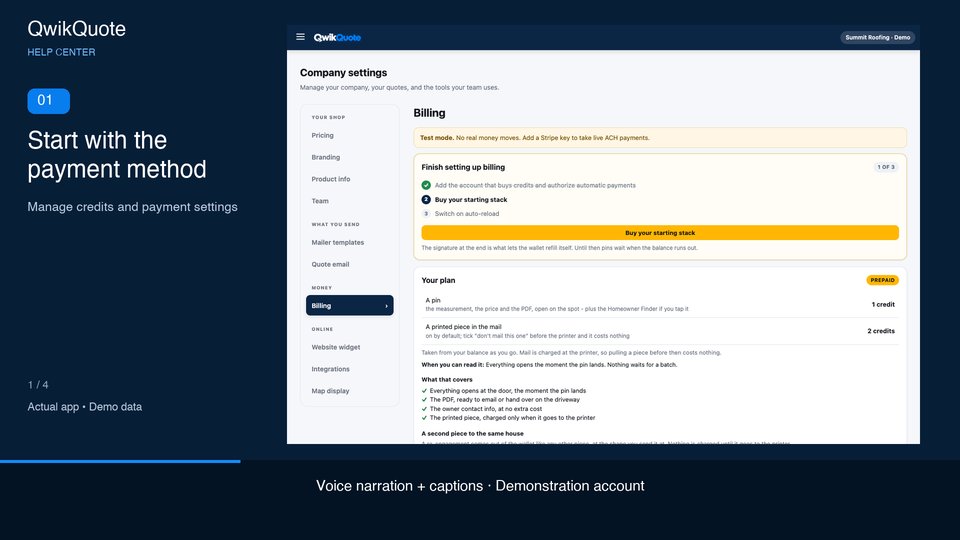 ▶ 0:42
Manage credits and payment settings
Voice narration · English captions
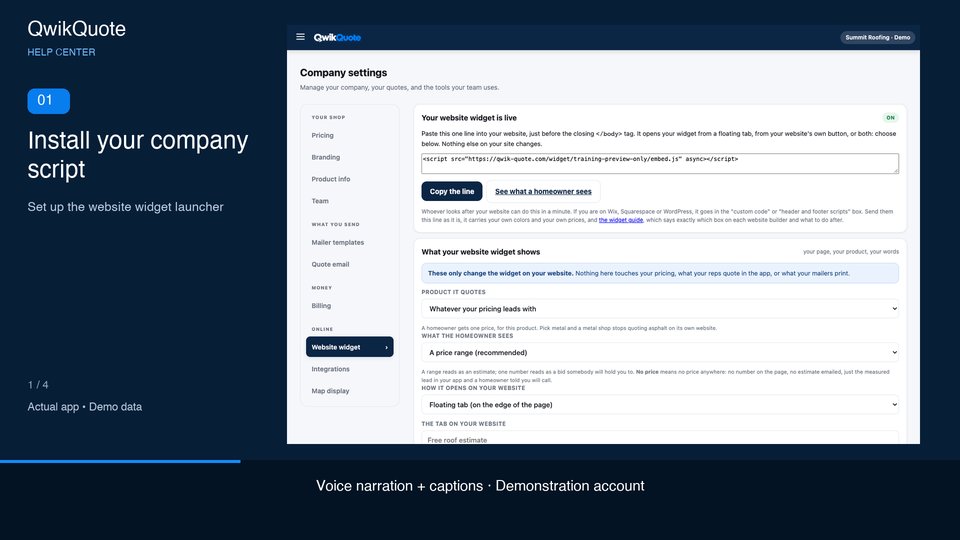 ▶ 0:39
Set up the website widget launcher
Voice narration · English captions
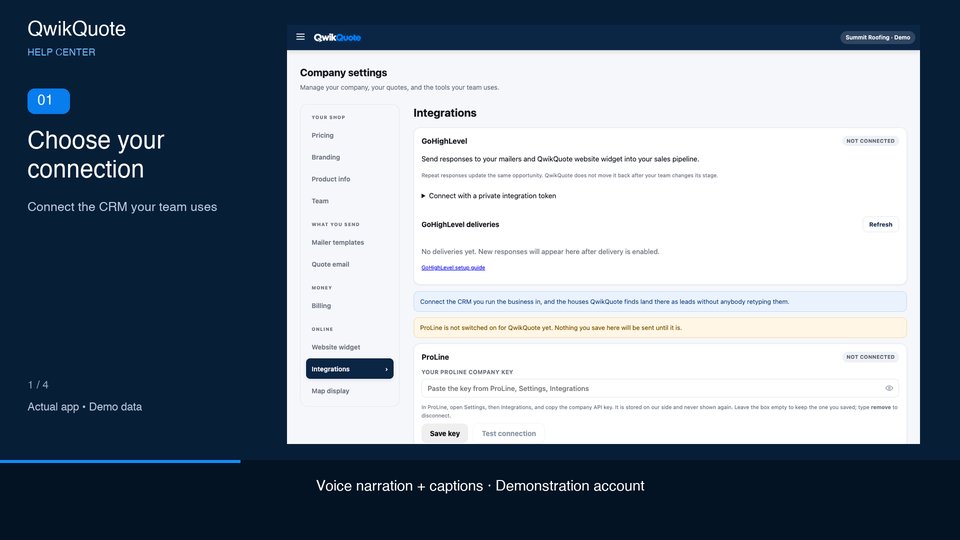 ▶ 0:47
Connect the CRM your team uses
Voice narration · English captions
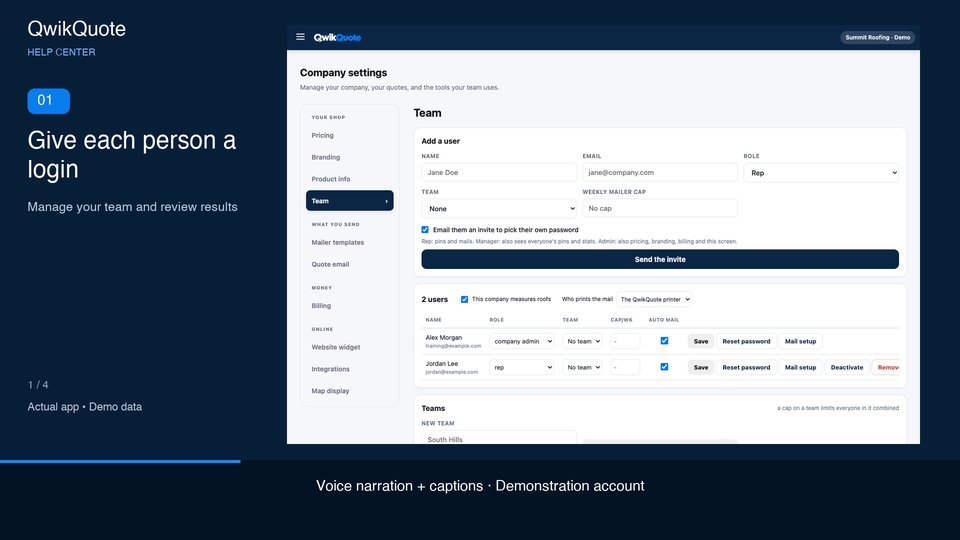 ▶ 0:41
Manage your team and review results
Voice narration · English captions
Need a hand with a specific house?
Send the address, the screen you’re on, and what happened.